
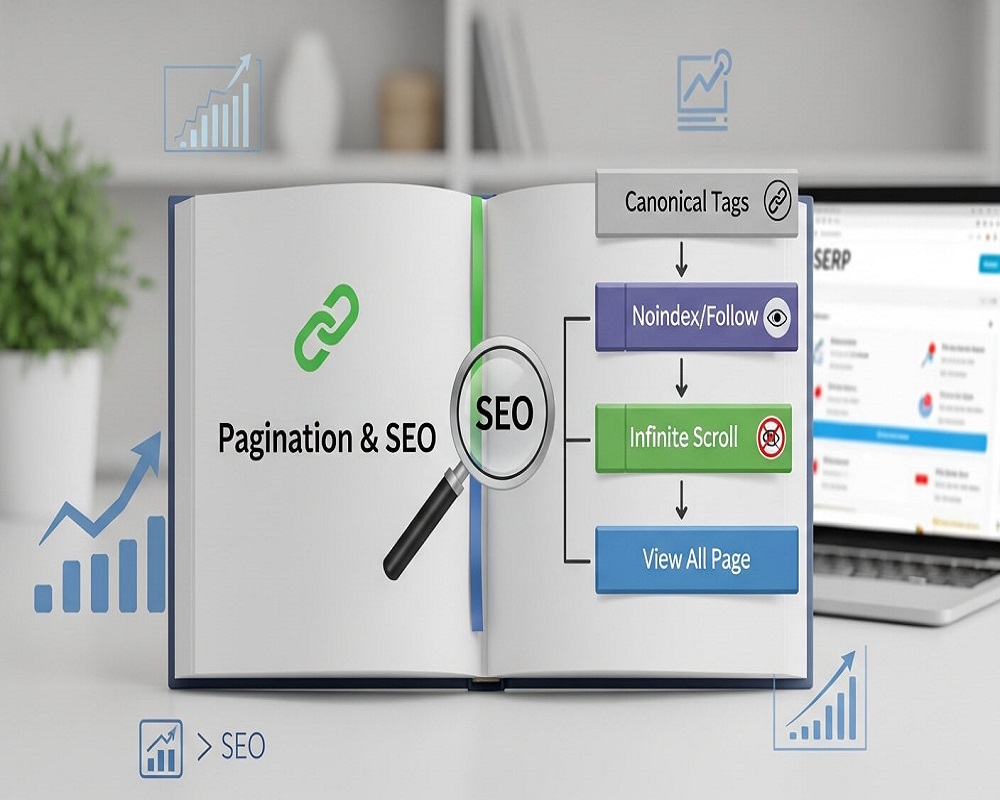
Short answer: To handle pagination in SEO, give every page in the series its own crawlable URL (such as ?page=2 or /page/2/), link the pages together with normal <a href> links, and give each page a self-referencing canonical tag instead of pointing them all at page one. Do not rely on rel=”next” and rel=”prev”, do not use # fragments for page numbers, and keep the series shallow enough that deep items are still reachable.
This guide is for people who run online shops, blogs, directories or forums and need to split long lists across several pages without losing products or articles from Google. I have written it the way I check pagination during technical audits from Karachi: what Google actually says, the setup I recommend, the mistakes I keep finding, and a checklist you can work through on your own site.
What pagination is and why it causes SEO problems
Pagination splits one long list into numbered pages: page 1 of a category shows the first 24 products, page 2 shows the next 24, and so on. Blog archives, search results pages, review lists and forum threads work the same way. The other two patterns you will meet are “Load more” buttons and infinite scroll, which add items to the same page as you click or scroll.
Pagination itself is not bad for SEO. The problems come from how it is built. When I audit sites, the issues fall into three groups:
- Discovery: products or posts that only appear on page 7 are hard for Googlebot to reach, especially if the links to deeper pages are JavaScript-only or missing.
- Consolidation: wrong canonical tags or noindex on deeper pages tell Google to ignore those URLs, and over time it may stop following the links on them.
- Waste: sort orders, filters and endless page numbers create thousands of near-identical URLs that eat into crawl budget on large sites.
What Google actually recommends
Google’s pagination and incremental loading guidance is short and clear. In my own words, it asks for four things:
- A unique URL for every page. Google treats each paginated URL as a separate page. A query parameter such as
?page=2is fine, and so is a path such as/page/2/. - Sequential links between pages. Each page should link to the next one with an ordinary
<a href>link. Google also suggests linking every page back to the first page, which hints that page one is the best landing page for the topic. - No first-page canonical. Do not make page one the canonical for the whole series. Each page should be its own canonical.
- No fragments for page numbers. Google ignores everything after the
#, so/shoes#page=2looks like the same URL as/shoes.
The same page also says you can reuse the same title and description on every page in a sequence, because Google tries to recognise the series. That surprises people who have been told every paginated page needs unique meta tags. Adding “Page 2” to the title is still a sensible courtesy for users, but it is not a ranking requirement.
What happened to rel=”next” and rel=”prev”?
For years these link attributes were the standard advice. In March 2019, John Mueller confirmed that Google does not use them at all and had stopped some years earlier. You do not need to remove them if your theme already outputs them, since other search engines may still read them, but do not spend time adding them and do not treat them as a fix for anything.
Rather have an expert do this for you?
Hand it over and get back to running your business.
The setup I recommend for most sites
For a typical WooCommerce, Shopify or WordPress site, this is the pattern I set up or check first:
| Element | Page 1 | Page 2 and beyond |
|---|---|---|
| URL | /category/running-shoes/ | /category/running-shoes/page/2/ or ?page=2 |
| Canonical | Points to itself | Points to itself, never to page 1 |
| Robots meta | index, follow | index, follow (no noindex) |
| Title | Running Shoes for Men and Women | Same title, optionally with “Page 2” |
| Intro copy | Full category description | Hidden or shortened, so page 1 stays the main landing page |
| Links | Numbered links plus “Next” | Previous, next, first page and nearby page numbers |
| XML sitemap | Included | Usually left out; list the product or post URLs instead |
Here is what the head of page 2 should contain on a clean setup:
<link rel="canonical" href="https://example.com/category/running-shoes/page/2/">
<meta name="robots" content="index, follow">
And the pagination block in the body should be plain links that work without JavaScript:
<nav aria-label="Pagination">
  <a href="/category/running-shoes/">1</a>
  <span aria-current="page">2</span>
  <a href="/category/running-shoes/page/3/">3</a>
  <a href="/category/running-shoes/page/3/">Next</a>
</nav>
If you are unsure how canonicals work in general, my guide to the canonical tag in SEO covers the basics. Category pages themselves deserve care beyond pagination, which I explain in category page SEO.
Should paginated pages be noindex?
Usually no. The old advice (repeated in plenty of guides, including an earlier version of this one) was to noindex everything after page 5 to “save crawl budget”. The trouble is that a page left as noindex for a long time tends to be crawled less, and the links on it carry less weight. If page 6 is the only place that links to 24 older products, noindexing it quietly cuts those products off.
Noindex is the right tool for a different set of URLs: sort orders (?orderby=price), view switches (?view=grid), and filter combinations nobody searches for. Google’s guidance supports blocking unwanted variations like these with the robots meta tag or robots.txt. If those variations are your bigger problem, read my guides on faceted navigation and index bloat, and test any rules with a robots.txt tester before you publish them, because a careless robots.txt pattern like Disallow: /*page can block the whole series.
What about a “view all” page?
A single page listing every item can work for short lists, such as a 60-item blog archive. For a category with 2,000 products it becomes slow and heavy, which hurts users on mobile data. I only recommend a view-all page when it loads quickly; otherwise standard pagination is the safer choice.
Infinite scroll and “Load more” without losing rankings
Both patterns are fine for users, but only if there are real paginated URLs behind them. Google states that its crawlers do not click buttons and generally only follow links in <a href> attributes. A “Load more” button that fetches items with JavaScript and no URL change means Googlebot sees page one and nothing else.
The safe pattern is a hybrid:
- Build normal paginated pages first (
?page=2,?page=3), each loading on its own. - Make the “Load more” control a real link to the next page, then let JavaScript intercept the click and append the items.
- Update the address bar with the History API as each new batch appears, so a shared or refreshed URL loads the right batch.
- Check the rendered HTML in Search Console’s URL Inspection tool and confirm the next-page link is present.
My guide to JavaScript SEO covers rendering checks in more depth.
How deep is too deep? Work out your click depth
None of the top guides on this topic deal with depth in numbers, yet it is the first thing I calculate on large categories. If page 1 only shows “Next” and a couple of nearby page numbers, the last page can be dozens of clicks away. Products that deep get crawled rarely. Use the calculator below with your own figures.
Pagination depth calculator
With the default figures, 1,200 items at 24 per page make 50 pages, and with links to the next 3 pages the last page is 17 clicks from page 1. Showing “first, last and the 5 pages either side” cuts that sharply. The rule of thumb behind this is explained in my guide to click depth.
The fixes, in the order I usually try them: show more page links (for example 1, 2, 3 … 48, 49, 50 plus the 5 pages either side of the current one), increase items per page if the page stays fast, and break a huge category into meaningful subcategories that people actually search for, such as “trail running shoes” rather than “running shoes page 31”.
Pagination SEO checklist
Pagination audit checklist
- Unique URLs: every page in the series loads on its own URL, using a parameter or path, not a # fragment.
- Self-referencing canonicals: page 2 canonicalises to page 2, not to page 1.
- No accidental noindex: paginated pages are indexable; only sort, view and junk filter URLs are noindex.
- Crawlable links: next, previous and page-number links are real <a href> links in the HTML.
- Link back to page 1: every page links to the first page of the series.
- Load more and infinite scroll: each batch has a matching paginated URL and the button is a real link.
- Robots.txt: no rule blocks the page parameter or /page/ path.
- Out-of-range pages: /page/999/ returns a 404, not a soft 200 with an empty list.
- Stable sort order: the default order does not shuffle on every load, so items do not jump between pages.
- Depth: the last page is within a reasonable number of clicks, using the calculator above.
- Sitemap: the products or posts are in your XML sitemap, even if the paginated URLs are not.
- Page one leads: the category description and main heading sit on page 1, not repeated in full on every page.
Ticks are saved in your browser, so you can work through your site and come back later.
Mistakes I see most often
- Canonical to page one from every page: often set by an SEO plugin or a developer who thought it would consolidate signals. Google’s own guidance says not to do it.
- Noindex, follow on page 2 onwards: a common plugin setting. I switch it off unless the series is pure duplication.
- A “Load more” button with no URL: everything after the first batch is invisible to Google.
- Empty high page numbers returning 200: crawlers find /page/80/ on a 12-page archive and waste visits on empty lists.
- Relying on the old URL Parameters tool: Google retired it in 2022 (see its post “Spring cleaning: the URL Parameters tool”), so parameter handling now has to be done on the site itself.
- Thin “page 2” content added for SEO: repeating the category intro on every page does nothing useful and can confuse which page should rank.
If you want to see how Google actually crawls your paginated URLs, server logs are the best evidence; my guide to log file analysis shows what to look for. Once the products are crawlable, list them in a clean sitemap and check it with my free XML sitemap validator.
Frequently asked questions
Is pagination bad for SEO?
No. Pagination is a normal way to present long lists, and Google indexes paginated pages as separate pages. It only causes trouble when deeper pages are hidden behind JavaScript, canonicalised to page one, set to noindex, or blocked in robots.txt.
Should paginated pages have a canonical to the first page?
No. Google’s guidance says not to use the first page as the canonical for the whole sequence. Each page should carry a self-referencing canonical, because each one lists different items.
Does Google still use rel=”next” and rel=”prev”?
No. Google confirmed in 2019 that it does not use them. Leaving them in place does no harm and other search engines may read them, but they will not change how Google handles your pages.
Should I add paginated URLs to my XML sitemap?
Usually not. Your sitemap should list the URLs you want to rank, which are page one and the individual products or posts. Paginated pages are found through links, and listing the items directly helps Google reach them even when they sit deep in a series.
Is infinite scroll SEO friendly?
Only when it is backed by real paginated URLs that load on their own and are linked with <a href> links. Infinite scroll that loads content purely through JavaScript leaves most items invisible to search engines.
Do paginated pages need unique titles and meta descriptions?
Not for Google. It says you can use the same title and description across a paginated sequence. Adding “Page 2” to the title helps users tell tabs apart, so I still add it where the CMS makes it easy.
Sources
- Google Search Central, “Pagination, incremental page loading, and their impact on Google Search” (last updated December 2025).
- Google Search Central Blog, “Spring cleaning: the URL Parameters tool” (March 2022).
- Search Engine Land, “Google no longer supports rel=next/prev” (March 2019).
- HTTP Archive, “Web Almanac 2024: SEO chapter” (2024).
If your category or archive pages are not getting crawled or indexed the way they should, my technical SEO services include a pagination and crawl review, or you can get in touch with a link to the section that worries you.
Request received
Thank you! Saad will contact you within the next 24 hours.
Keep an eye on your phone and inbox.