
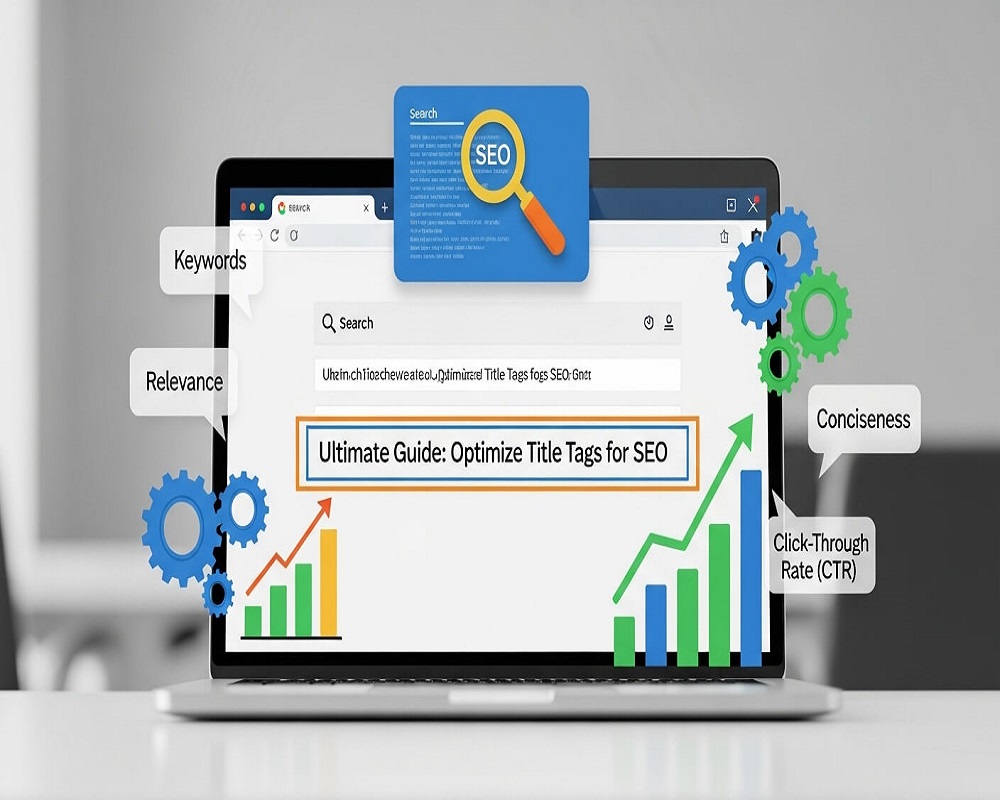
Short answer: To optimise a title tag, describe the page accurately in plain words, put the main keyword near the start, keep it to roughly 50 to 60 characters so it is not cut off, make it unique for every page, and add your brand briefly at the end if there is room. Avoid keyword stuffing and boilerplate, keep the title consistent with your H1, and check the result in Search Console.
This guide is for anyone who writes or edits pages: bloggers, store owners, developers and in-house marketers. You will learn how Google uses your title tag, a simple formula for writing one, how to fit it into the space available, how to stop Google rewriting it, and how to measure whether a new title actually earns more clicks.
What a title tag is and where it shows
The title tag is the <title> element in the <head> of a page:
<title>How to Optimise Title Tags for SEO | Saad Raza</title>
It is not visible on the page itself. People see it as the clickable blue headline in search results (Google calls this the “title link”), in the browser tab, in bookmarks, and often as the headline when a link is shared on social media or in WhatsApp, unless an og:title overrides it. In WordPress, Yoast, Rank Math and similar plugins let you set the title tag separately from the post title, which becomes the H1.
Title tag vs H1 vs meta description
| Element | Where people see it | Main job | Rough length |
|---|---|---|---|
| Title tag | Search results, browser tab, shares | Tell searchers and Google what the page is and earn the click | 50 to 60 characters |
| H1 | Top of the page | Confirm to the visitor they are in the right place | No fixed limit; can be longer |
| Meta description | Snippet text under the title (when Google uses it) | Summarise the payoff and support the click | About 140 to 160 characters |
The title and H1 do not need to be identical, but they should say the same thing. For writing the on-page heading, see how to write a great SEO heading; for the snippet below the title, see my guide to writing meta descriptions.
Before you publish, compare a few title options with the headline analyzer, which checks pixel width, keyword position and specificity.
Why title tags still matter
Titles do two jobs. First, they are one of the clearest signals of what a page is about. Google’s title link documentation lists the <title> element first among the sources it uses to build the title link. Second, they decide whether people click. Searchers scan rather than read: in Jakob Nielsen’s well-known 1997 study, 79% of test users always scanned a new page instead of reading word by word (Nielsen Norman Group). A results page is scanned the same way, so the first few words of your title carry most of the weight.
A better title will not rescue a weak page, but on a page that already ranks on page one, it is often the cheapest improvement available. When I audit sites, the pages I fix first are the ones with plenty of impressions and a low click-through rate, because the title is usually the problem. My guide to click-through rate in SEO explains how to find them.
Rather have an expert do this for you?
Hand it over and get back to running your business.
How to write a title tag: step by step
1. Start from the query, not the keyword list
Search your main query and look at what ranks. If the top results are guides, a title that sounds like a product page will look out of place, and the reverse is true. Note the words that appear in most ranking titles; those are the terms searchers expect. My guide to SEO competitor analysis shows how to collect this quickly.
2. Put the main topic first
Put the main keyword, or the clearest description of the page, within the first few words. That is where the eye lands, and it survives truncation. This is about readability and keyword placement, not repetition: one natural use is enough.
3. Add what makes this page the better click
After the topic, add the detail that differentiates the page: the format (checklist, calculator, template), the scope (for beginners, for Shopify), a location for local pages, or a current year when freshness genuinely matters, such as a pricing guide. Do not add a year to evergreen content you will not update.
4. Brand it briefly
Google’s guidance is to brand titles concisely. A short brand at the end, after a dash or pipe, is enough. On the home page the brand can lead. Avoid long repeated slogans on every page, which Google lists as boilerplate it may remove.
5. Fit the space
Google says there is no limit on how long a <title> element can be, but the title link is truncated as needed to fit the device width. Truncation is measured in pixels, so “WWW” takes more room than “iii”. Around 50 to 60 characters fits in most cases. Use the calculator below to plan the parts, then check the result in my free SERP snippet preview tool.
6. Make every title unique
Run a crawl (Screaming Frog, Sitebulb or your SEO plugin’s report) and look for duplicate and missing titles. On stores and directories, titles are usually generated from templates, so fix the template rather than editing pages one by one: include the product name, a key attribute and the category, not just the brand.
7. Publish, then measure
Change one group of titles at a time, note the date, and compare clicks and CTR in Search Console for the same queries over four weeks before and after. The Search Console performance report guide covers the comparison view. For hundreds of pages, a short script can pull the data; see Python for SEO automation.
Title tag length planner
How to read it: 60 characters is a practical guide, not a Google rule. Google truncates by pixel width, so a title full of wide capital letters can be cut earlier. Use the character counter to count each part.
Title formulas by page type
These are the patterns I start from. They are starting points, not templates to copy word for word.
| Page type | Pattern | Example |
|---|---|---|
| How-to guide | How to [task]: [scope or format] | How to Do Keyword Research: A Step-by-Step Guide |
| Definition | What Is [term]? [payoff] | What Is Crawl Budget? When It Matters and How to Fix It |
| Product | [Product name] [key attribute] | [Brand] | Khaddar Kurta, Men’s, Navy | StoreName |
| Category | [Category] for [audience or use] | [Brand] | Running Shoes for Women | StoreName |
| Local service | [Service] in [area] | [Business name] | AC Repair in Gulshan-e-Iqbal | BusinessName |
| Home page | [Brand]: [what you do, for whom] | BrandName: Accounting Software for Small Businesses |
Worked example: rewriting a weak service page title
A Karachi clinic’s service page had the title “Home | Services | Dental | Best Dental Clinic Karachi Pakistan Dentist Teeth” (78 characters). It is too long, starts with boilerplate, stuffs keywords and does not say which service the page covers. Step 1: the page is about dental implants, so that leads. Step 2: the differentiator that matters to searchers is the area. Step 3: brand at the end. Result: “Dental Implants in DHA Karachi | ClinicName” (43 characters). It names the service, the location and the brand, reads naturally and fits on a phone screen. The H1 on the page became “Dental implants at our DHA clinic” so the two agree.
Why Google rewrites title tags, and how to reduce it
Google may show a different title link from your <title>. Its documentation says the title link can come from the title element, the main visible title, headings, og:title, prominent text, anchor text in links pointing to the page, and WebSite structured data. It lists four common problems that trigger a rewrite:
- Half-empty titles, such as a title that only contains the site name.
- Obsolete titles, such as an old year on a page that has been updated.
- Inaccurate titles that do not reflect what the page is about.
- Micro-boilerplate, where many pages in a section share nearly the same title.
The Zyppy study above found the lowest rewrite rate for 51 to 60 character titles, that titles of 20 characters or fewer were rewritten more than half the time, and that text in square brackets was rewritten far more often than text in parentheses. In practice, when Google rewrites one of my clients’ titles, the fix is usually to make the title match the H1 more closely, remove repeated text, or shorten it. A rewrite is not always bad: if Google’s version gets more clicks, learn from it.
Common title tag mistakes I find in audits
- “Home” or the site name alone on the home page or on template pages.
- Keyword lists such as “SEO, SEO Services, SEO Company, Best SEO Agency.
- The same title on every page because the theme outputs the site name only.
- Stale years left in titles of pages that were never updated.
- Clickbait that the page does not deliver, which loses the reader and invites a rewrite.
- Two title tags in the head, often from a theme and an SEO plugin both outputting one. View source and search for
<titleto check. - Mixed languages done badly: on Pakistani sites I often see English titles for pages whose customers search in Roman Urdu, such as “AC repair” pages where people also search “AC mistri”. Use the term your customers actually type, which Search Console will show you.
Title tag checklist
- Accurate: the title describes what the page actually contains.
- Topic first: the main keyword or topic appears in the first few words.
- One keyword use: no repeated keywords or lists of variations.
- Length: roughly 50 to 60 characters, checked in a snippet preview.
- Unique: no other page on the site has the same or nearly the same title.
- Matches the H1: title and H1 describe the same thing.
- Brand short: brand once, at the end (or the start on the home page).
- No stale year: any year is current and the content is genuinely updated.
- One title element: view source shows a single
<title>. - Searcher’s words: uses the terms your customers search, including local spellings.
- Measured: date of change noted and CTR compared in Search Console after four weeks.
Ticks are saved in your browser.
Titles are one part of on-page work. For the rest of the page, my guide to on-page SEO step by step covers headings, content, images and internal links, and the case converter switches a title between title case and sentence case in one click.
Frequently asked questions
How long should a title tag be?
Aim for about 50 to 60 characters. Google has no length limit, but it truncates titles to fit the device width, and studies have found the lowest rewrite rates and better click-through rates around that range. Put the important words first so a cut does not remove them.
Is the title tag a ranking factor?
Yes, it helps Google understand what the page is about, and it is the first source Google lists for title links. But its bigger effect is usually on clicks. A clear, specific title earns more of the traffic your ranking already gives you.
Should the title tag be the same as the H1?
It does not have to be identical, but it should describe the same topic. Large mismatches between the title and the visible heading are one of the reasons Google rewrites titles.
Why is Google showing a different title from the one I wrote?
Google rewrites titles it considers empty, outdated, inaccurate or repetitive, and may use your H1, other prominent text or anchor text instead. Shorten the title, remove boilerplate, make it match the page and wait for the page to be recrawled.
Should I put my brand name in every title?
Usually yes, briefly and at the end, because Google’s guidance is to brand titles concisely. If space is tight on a long title, drop the brand before you cut the topic words.
How often should I change title tags?
Only when you have a reason: low CTR on a page with good rankings, a change in what the page covers, or a stale year. Changing titles constantly makes it hard to measure what worked.
Sources
- Google Search Central, “Influencing your title links in search results” (last updated 2025).
- Zyppy (Cyrus Shepard), “Google Rewrites 61% of Page Title Tags” (data from Q1 2022).
- Backlinko, “We Analyzed 4 Million Google Search Results” (2019, updated 2025).
- Nielsen Norman Group, “How Users Read on the Web” (1997).
If you want your most important titles reviewed alongside the rest of your on-page setup, my on-page optimisation service covers titles, headings and templates, or you can send me a question.
Request received
Thank you! Saad will contact you within the next 24 hours.
Keep an eye on your phone and inbox.