Technical SEO is the backbone of any successful search engine optimization strategy. It ensures that a website is structured, coded, and maintained in a way that search engines like Google can easily crawl, index, and rank it. For beginners, technical SEO might seem daunting, but it’s a critical component for improving a website’s visibility and user experience. This comprehensive guide will break down what technical SEO is, how it works, and why it matters, providing actionable insights for beginners and addressing high-volume questions to help you master the fundamentals.
What Is Technical SEO?
Technical SEO refers to the process of optimizing a website’s infrastructure to ensure search engines can effectively crawl, index, and render its pages. Unlike on-page SEO (which focuses on content and keywords) or off-page SEO (which involves backlinks and external signals), technical SEO deals with the behind-the-scenes elements that make a website accessible, fast, and user-friendly.
At its core, technical SEO ensures that search engines can understand your website’s structure and content while providing users with a seamless experience. It encompasses aspects like site speed, mobile-friendliness, URL structure, crawlability, and security. By addressing these elements, technical SEO lays the foundation for better rankings and organic traffic.
Why Is Technical SEO Important?
Search engines prioritize websites that are easy to crawl, fast to load, and secure for users. Technical SEO aligns your website with these preferences, improving its chances of ranking higher on search engine results pages (SERPs). Here’s why it matters:
-
Improved Crawlability: Search engines use bots to crawl websites and discover content. Technical SEO ensures bots can navigate your site without obstacles.
-
Enhanced User Experience: A fast, mobile-friendly, and secure website keeps users engaged, reducing bounce rates and increasing dwell time.
-
Higher Rankings: Google rewards technically sound websites with better visibility in search results.
-
Scalability: A well-optimized site can handle increased traffic and content growth without performance issues.
How Does Technical SEO Work?
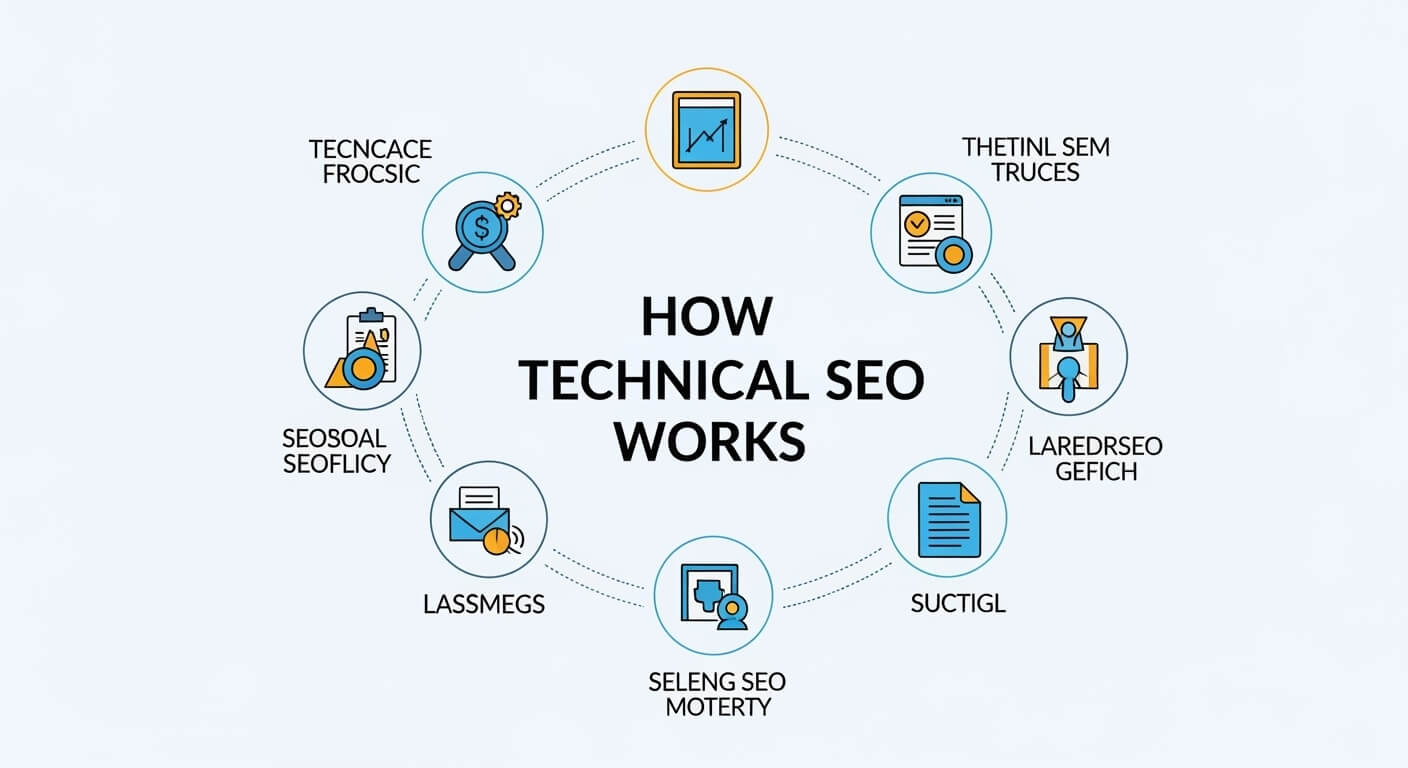
Technical SEO works by addressing key areas of a website’s infrastructure to align with search engine algorithms and user expectations. Below, we’ll explore the core components of technical SEO, how they function, and practical steps to implement them.
1. Website Crawlability and Indexability
Search engines rely on crawlers (like Googlebot) to discover and index web pages. Crawlability refers to how easily a search engine can navigate your site, while indexability determines whether those pages are added to the search engine’s database for ranking.
Key Elements of Crawlability and Indexability
-
Robots.txt: This file tells search engines which pages to crawl or ignore. A misconfigured robots.txt can block important pages from being indexed.
-
Sitemap: An XML sitemap acts as a roadmap for search engines, listing all your website’s pages. Submitting it to Google Search Console ensures crawlers find your content.
-
Canonical Tags: These prevent duplicate content issues by signaling the preferred version of a page.
-
Crawl Errors: Broken links, 404 errors, or server issues can hinder crawling. Regular audits using tools like Screaming Frog or Ahrefs can identify and fix these issues.
Actionable Steps
-
Create and submit an XML sitemap via Google Search Console.
-
Check your robots.txt file to ensure it doesn’t block critical pages.
-
Use canonical tags to address duplicate content, especially for e-commerce sites with similar product pages.
-
Regularly audit your site for broken links or crawl errors.
Common Question: How Do I Fix Crawl Errors on My Website?
Crawl errors occur when search engines can’t access certain pages due to broken links, server issues, or incorrect redirects. To fix them:
-
Use Google Search Console to identify crawl errors under the “Coverage” report.
-
Fix broken links by updating URLs or setting up 301 redirects.
-
Ensure your server is reliable and can handle crawler requests.
-
Test your robots.txt file to confirm it’s not blocking important pages.
2. Site Speed and Performance
Site speed is a critical ranking factor and a cornerstone of user experience. Google’s Core Web Vitals—metrics like Largest Contentful Paint (LCP), First Input Delay (FID), and Cumulative Layout Shift (CLS)—measure how fast and stable a website feels to users.
Why Site Speed Matters
-
User Retention: Pages that load in under 2 seconds have lower bounce rates.
-
Mobile Users: Mobile users expect fast-loading pages, especially on slower connections.
-
SEO Impact: Google prioritizes fast websites in its rankings.
How to Optimize Site Speed
-
Optimize Images: Compress images using tools like TinyPNG or WebP formats to reduce file sizes.
-
Minify Code: Remove unnecessary spaces and comments from CSS, JavaScript, and HTML files.
-
Leverage Browser Caching: Store static files locally to reduce load times for returning visitors.
-
Use a Content Delivery Network (CDN): CDNs like Cloudflare distribute content across global servers, reducing latency.
-
Enable Lazy Loading: Load images and videos only when they appear in the user’s viewport.
Tools for Measuring Site Speed
-
Google PageSpeed Insights: Provides actionable recommendations for improving speed.
-
Lighthouse: Built into Chrome DevTools, it audits performance and Core Web Vitals.
-
GTmetrix: Analyzes page load times and suggests optimizations.
Common Question: How Can I Improve My Website’s Core Web Vitals?
To optimize Core Web Vitals:
-
Improve LCP by optimizing server response times, compressing images, and using modern image formats.
-
Reduce FID by minimizing JavaScript execution time and deferring non-critical scripts.
-
Enhance CLS by defining explicit sizes for images and ads to prevent layout shifts.
3. Mobile-Friendliness
With mobile devices accounting for over 60% of global web traffic, Google uses mobile-first indexing, meaning it prioritizes the mobile version of your site for ranking. A mobile-friendly website is non-negotiable for technical SEO.
How to Ensure Mobile-Friendliness
-
Responsive Design: Use CSS media queries to adapt your site’s layout to different screen sizes.
-
Mobile Usability: Avoid intrusive pop-ups, ensure readable fonts, and make buttons easy to tap.
-
Test with Google’s Mobile-Friendly Test: This tool checks if your site meets mobile standards.
Common Question: Why Does My Website Rank Poorly on Mobile?
Poor mobile rankings often stem from:
-
Non-responsive design that doesn’t adapt to smaller screens.
-
Slow load times on mobile networks.
-
Unusable elements like tiny buttons or unreadable text. Fix these by adopting responsive design, compressing assets, and testing with Google’s Mobile-Friendly Test.
4. Secure Sockets Layer (SSL) and HTTPS
A secure website is essential for user trust and SEO. HTTPS encrypts data between the user’s browser and your server, protecting sensitive information. Google considers HTTPS a ranking signal and flags non-secure sites as “Not Secure” in browsers.
How to Implement HTTPS
-
Purchase an SSL Certificate: Obtain one from providers like Let’s Encrypt or DigiCert.
-
Redirect HTTP to HTTPS: Set up 301 redirects to ensure all traffic uses the secure protocol.
-
Update Internal Links: Ensure all internal links point to HTTPS versions of pages.
Common Question: How Do I Know If My Website Is Secure?
Check for a padlock icon in the browser’s address bar or verify HTTPS in the URL. Use tools like SSL Labs’ SSL Test to assess your SSL configuration.
5. URL Structure and Internal Linking
A clean, logical URL structure helps search engines and users understand your website’s hierarchy. Internal linking connects related pages, distributing link equity and guiding users through your site.
Best Practices for URL Structure
-
Keep URLs Short and Descriptive: Use keywords (e.g., example.com/technical-seo-guide instead of example.com/page123).
-
Use Hyphens: Separate words with hyphens, not underscores.
-
Avoid Dynamic Parameters: URLs like example.com/?id=123 are less user-friendly.
Internal Linking Strategies
-
Link to high-priority pages from your homepage or navigation menu.
-
Use descriptive anchor text that reflects the target page’s content.
-
Avoid excessive linking to prevent diluting link equity.
Common Question: How Many Internal Links Should a Page Have?
There’s no strict limit, but aim for 3–5 relevant internal links per page to maintain usability and SEO value. Ensure links are natural and add value for users.
6. Structured Data and Schema Markup
Structured data, often implemented via schema markup, helps search engines understand your content’s context. It can enhance your SERP appearance with rich snippets, such as star ratings or FAQs.
How to Implement Structured Data
-
Use Schema.org: Choose relevant schema types (e.g., Article, Product, FAQ).
-
Add JSON-LD: This format is easy to implement and widely supported.
-
Test with Google’s Rich Results Test: Verify that your markup is error-free.
Common Question: Does Schema Markup Directly Improve Rankings?
While schema markup doesn’t directly boost rankings, it enhances click-through rates by making your SERP listing more informative and visually appealing.
7. Handling Duplicate Content
Duplicate content confuses search engines and can dilute your site’s authority. Common causes include similar pages, HTTP/HTTPS versions, or www/non-www variants.
Solutions for Duplicate Content
-
Canonical Tags: Specify the preferred version of a page.
-
301 Redirects: Redirect duplicate pages to the primary version.
-
Noindex Tags: Prevent search engines from indexing non-essential pages.
Common Question: How Do I Find Duplicate Content on My Site?
Use tools like Screaming Frog or Copyscape to identify duplicate content. Check for similar pages, especially in e-commerce or blog sites, and resolve them with canonical tags or redirects.
8. XML Sitemaps and Robots.txt
An XML sitemap lists all your website’s pages, helping search engines discover content. The robots.txt file controls which pages crawlers can access.
Best Practices
-
Update Sitemaps Regularly: Include new pages and remove outdated ones.
-
Optimize Robots.txt: Allow crawlers to access important pages while blocking irrelevant ones (e.g., admin pages).
-
Submit to Search Console: Ensure Google knows where to find your sitemap.
Common Question: Can a Misconfigured Robots.txt Harm My SEO?
Yes, a poorly configured robots.txt can block critical pages, preventing them from being indexed. Always test your robots.txt file with Google’s Robots.txt Tester.
9. Site Architecture and Navigation
A well-organized site architecture improves user experience and crawlability. It ensures users and search engines can easily find your content.
How to Optimize Site Architecture
-
Flat Hierarchy: Keep important pages within 3 clicks of the homepage.
-
Clear Navigation: Use intuitive menus and breadcrumbs.
-
Silo Structure: Group related content into thematic clusters to boost topical authority.
Common Question: What Is a Silo Structure in SEO?
A silo structure organizes content into distinct categories or themes, with internal links connecting related pages. For example, a blog about SEO might have silos for “Technical SEO,” “On-Page SEO,” and “Off-Page SEO,” each with its own subpages.
10. Handling Redirects
Redirects guide users and search engines from old or outdated URLs to new ones. Common types include:
-
301 (Permanent): Indicates a page has moved permanently.
-
302 (Temporary): Signals a temporary redirect, preserving the original page’s authority.
Best Practices for Redirects
-
Use 301 redirects for permanent changes, such as site migrations.
-
Avoid redirect chains (multiple redirects in sequence) to prevent delays.
-
Regularly audit redirects to ensure they’re working correctly.
Common Question: How Do Redirects Affect SEO?
Properly implemented 301 redirects pass most link equity to the new URL, preserving SEO value. However, excessive redirects or chains can slow down your site and harm rankings.
Tools for Technical SEO
To implement technical SEO effectively, leverage these tools:
-
Google Search Console: Monitors indexing, crawl errors, and performance.
-
Screaming Frog: Conducts in-depth site audits to identify technical issues.
-
Ahrefs or SEMrush: Analyzes backlinks, site health, and keyword performance.
-
Google PageSpeed Insights: Evaluates site speed and Core Web Vitals.
-
GTmetrix: Provides detailed performance reports.
Common Technical SEO Mistakes to Avoid
-
Ignoring Mobile Optimization: Failing to optimize for mobile users can tank rankings.
-
Neglecting Site Speed: Slow pages frustrate users and harm SEO.
-
Blocking Crawlers: Misconfigured robots.txt or noindex tags can hide content from search engines.
-
Ignoring Core Web Vitals: Poor performance on LCP, FID, or CLS can lower rankings.
-
Not Using HTTPS: Unsecure sites lose user trust and SEO points.
How to Conduct a Technical SEO Audit
A technical SEO audit identifies issues that hinder your site’s performance. Follow these steps:
-
Crawl Your Site: Use Screaming Frog or Ahrefs to map your site’s structure.
-
Check Indexability: Verify that important pages are indexed using Google Search Console.
-
Analyze Site Speed: Run tests with PageSpeed Insights or GTmetrix.
-
Review Mobile Usability: Use Google’s Mobile-Friendly Test.
-
Inspect Security: Confirm HTTPS is active and SSL certificates are valid.
-
Evaluate Structured Data: Test schema markup with Google’s Rich Results Test.
-
Check Redirects and Errors: Identify broken links or improper redirects.
Common Question: How Often Should I Conduct a Technical SEO Audit?
Perform a full audit quarterly and monitor key metrics (e.g., crawl errors, site speed) monthly to catch issues early.
Advanced Technical SEO Considerations
As you grow more comfortable with technical SEO, consider these advanced strategies:
-
JavaScript Rendering: Ensure search engines can render JavaScript-heavy sites using tools like Google’s URL Inspection Tool.
-
International SEO: Use hreflang tags to target different languages or regions.
-
Log File Analysis: Review server logs to understand how search engines crawl your site.
-
AMP (Accelerated Mobile Pages): Implement AMP for faster mobile loading, especially for content-heavy sites.
Common Question: What Are Hreflang Tags, and Why Are They Important?
Hreflang tags tell search engines which version of a page to show based on a user’s language or location. They’re crucial for international websites to avoid duplicate content issues and improve user experience.
How Technical SEO Fits Into Your Overall SEO Strategy
Technical SEO is just one piece of the puzzle. It works alongside on-page and off-page SEO to create a holistic strategy:
-
On-Page SEO: Focuses on content, keywords, and meta tags to optimize individual pages.
-
Off-Page SEO: Builds authority through backlinks, social signals, and brand mentions.
-
Technical SEO: Ensures the website’s infrastructure supports both on-page and off-page efforts.
By prioritizing technical SEO, you create a strong foundation that amplifies the impact of your content and link-building efforts.
FAQs About Technical SEO
1.What Is the Difference Between Technical SEO and On-Page SEO?
Technical SEO focuses on a website’s infrastructure (e.g., speed, crawlability, security), while on-page SEO deals with content optimization (e.g., keywords, headings, meta descriptions).
2.How Long Does It Take to See Results from Technical SEO?
Results vary based on the issues fixed and your site’s size. Minor fixes like improving site speed can show results in weeks, while larger issues like crawl errors may take months to fully impact rankings.
3.Can I Do Technical SEO Without Coding Knowledge?
Yes, many tools like Google Search Console, Yoast SEO, or Screaming Frog simplify technical SEO for non-coders. However, basic HTML or CSS knowledge can help with advanced tasks.
4.Is Technical SEO a One-Time Task?
No, technical SEO is ongoing. Regular audits, updates, and monitoring are necessary to maintain performance as search engine algorithms evolve.
5.How Does Technical SEO Impact User Experience?
Technical SEO improves user experience by ensuring fast load times, mobile-friendliness, secure browsing, and easy navigation, all of which keep users engaged and reduce bounce rates.
Conclusion
Technical SEO is the foundation of a high-performing website. By optimizing crawlability, site speed, mobile-friendliness, security, and more, you create a seamless experience for both search engines and users. While it may seem complex, breaking it down into actionable steps—such as fixing crawl errors, improving Core Web Vitals, and implementing schema markup—makes it manageable for beginners. Use tools like Google Search Console and Screaming Frog to monitor and improve your site’s technical health, and conduct regular audits to stay ahead of issues.
By mastering technical SEO, you set the stage for better rankings, more organic traffic, and a superior user experience. Start with the basics outlined in this guide, and as you gain confidence, explore advanced techniques to further elevate your site’s performance.

Saad Raza is an SEO specialist with 7+ years of experience in driving organic growth and improving search rankings. Skilled in data-driven strategies, keyword research, content optimization, and technical SEO, he helps businesses boost online visibility and achieve sustainable results. Passionate about staying ahead of industry trends, Saad delivers measurable success for his clients.